


Smart TV App
Install on Samsung and LG Smart TVs, Android TV, Google TV, or Amazon Fire TV.
Play your own M3U and Xtream Codes playlists smoothly on Smart TVs, Android, and Windows. Start your free 7-day trial today.
Install on Samsung and LG Smart TVs, Android TV, Google TV, or Amazon Fire TV.
Use Media Vision on Android phones and tablets or a Windows 10 or 11 PC.
Add your own M3U playlists or connect with your Xtream Codes login.
Connect M3U URLs or Xtream logins from your phone without typing on a TV remote.
Your trial starts the first time you open the app. No payment card required.
Reorder categories, hide groups you skip, and lock private lists with a 4-digit PIN.
Select your device to get the store link or install Media Vision.
Install Media Vision from Google Play on your Android phone, tablet, Android TV or Google TV.

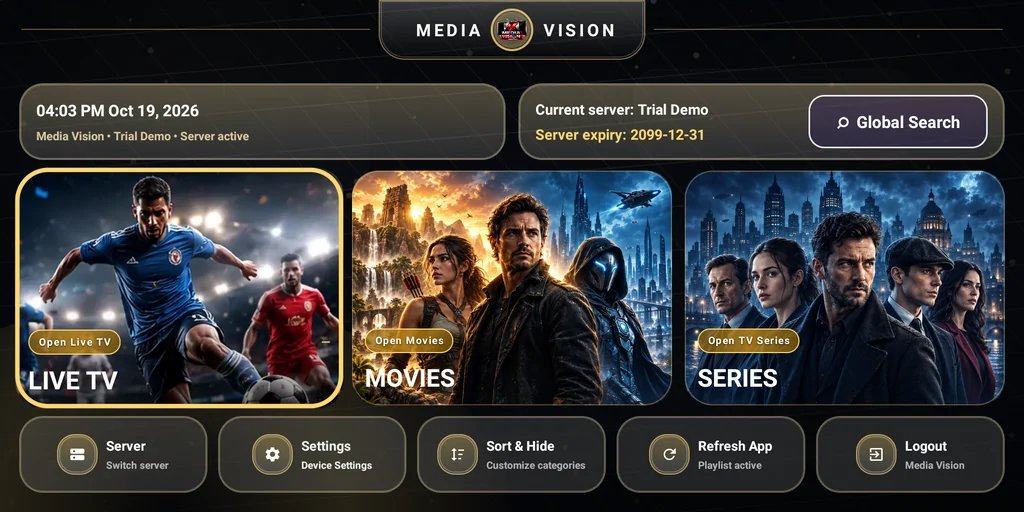
Explore app screens
Ajoutez une playlist M3U ou un compte Xtream depuis votre téléphone ou votre ordinateur. Votre téléviseur peut synchroniser vos playlists.

Hardware-accelerated playback with a TV guide, subtitles and multiple audio tracks on compatible devices.

Use your device’s MAC address and device key to manage playlists from a browser.
Open the app to start your trial. Use your own playlists to try Live TV, the TV guide, subtitles and 4K playback on compatible devices.
Download the appFind your MAC address and device key in Media Vision. Enter them in your browser to add or organize playlists.
Manage playlistsFind answers about the free trial, device activation and supported playlists.
Media Vision is a player for your own authorized playlists. It does not provide or sell channels, movies, series or streams.
Your 7-day trial starts when you first open the app on a new device. Add your own playlist to try the player. No payment card is required.
Open Media Vision and look on the home screen or in Settings for the MAC address and 6-digit device key. Use these details to manage playlists or activate a plan online.
Yes. Both Annual and Lifetime plans include free device transfer. If you replace your TV or streaming device, transfer the plan to your new device’s MAC address.
Use Media Vision on Samsung and LG smart TVs, Fire TV, Google TV, Android TV, Android phones and tablets, and Windows 10 or 11. The player supports M3U, M3U8 and Xtream playlists.